With the rapid adoption of ARM architecture in industrial control, edge computing, and embedded devices, more and more ARM-based industrial PCs, edge gateways, and HMI terminals are running Ubuntu Linux.
However, unlike x86 platforms, ARM devices often have limited resources, varying GPU drivers, and requirements for 7×24-hour stable operation. This makes lightweight desktop environments a near-mandatory choice for ARM platforms.
This article systematically introduces mainstream lightweight Ubuntu desktop GUIs for ARM architecture and provides practical recommendations for industrial and edge computing scenarios.
Why Must ARM Devices Prioritize Lightweight GUIs?
Compared to x86 PCs, ARM devices typically feature:
- Limited CPU frequency and core performance
- Smaller memory capacity (commonly 1GB–8GB)
- GPUs often Mali or similar, with varying driver maturity
- Most scenarios demand long-term uninterrupted operation
Using Ubuntu's default GNOME desktop directly can lead to:
- High memory usage, causing sluggish response
- Unstable GPU acceleration, occasional black screens or stuttering
- Unnecessary background services impacting real-time performance
Thus, on ARM, lightweight, stable, and X11-friendly desktops are the more rational choice.
Mainstream Lightweight Desktop Environments
-
LXQt — Top Balanced Choice for ARM LXQt is Lubuntu's official desktop and one of the most recommended lightweight options for ARM. Features: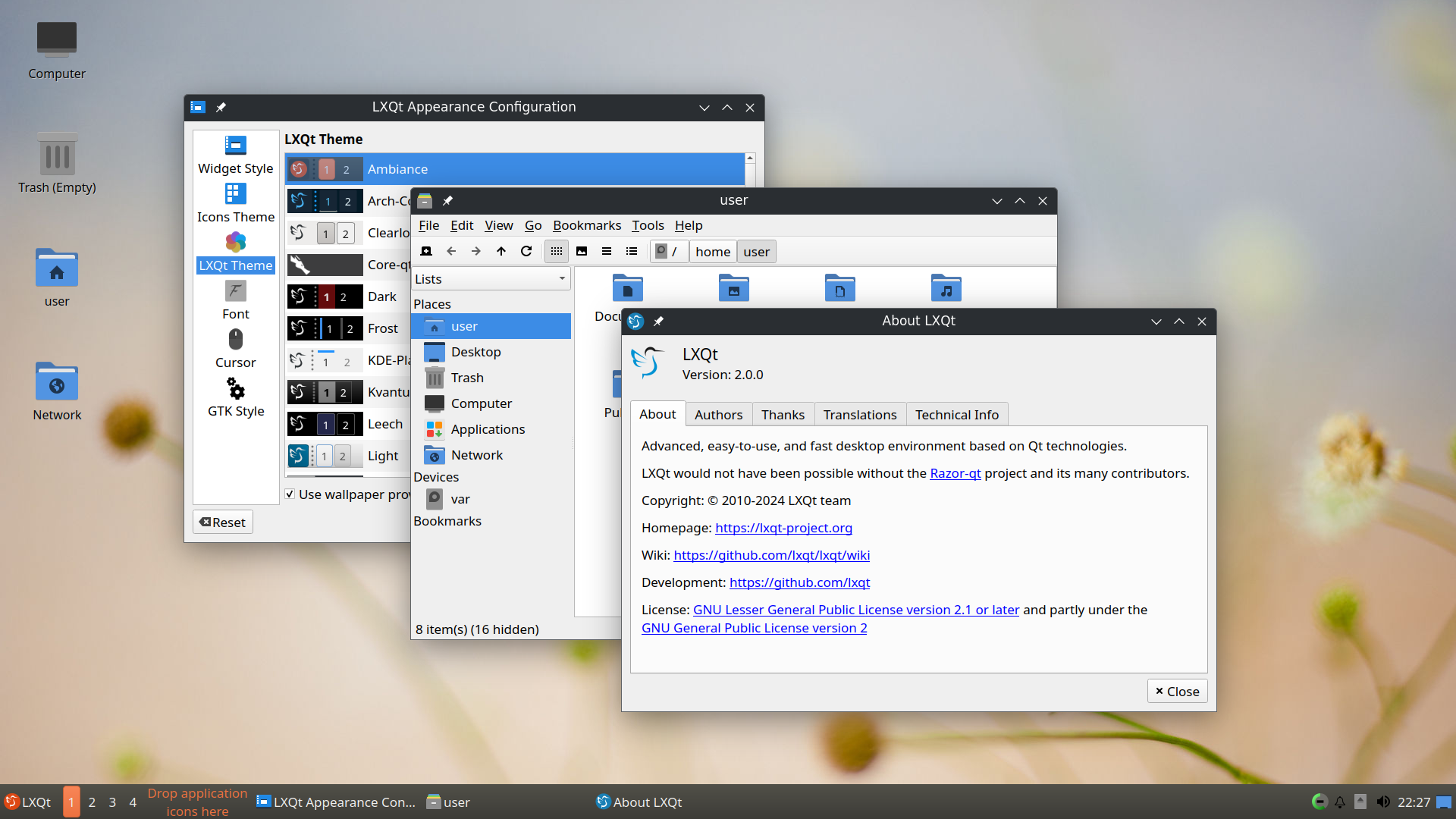
- Qt-based, mature ARM support
- Idle memory usage ~300–400MB
- Excellent Mali GPU and X11 compatibility
- Fast startup, modern interface
Suitable Scenarios: ARM industrial PCs, edge gateways, industrial visualization terminals. On SoCs like RK3568, RK3576, and RK3588, LXQt strikes the best balance between performance and experience.
-
XFCE — Representative of Industrial-Grade Stability XFCE is renowned for stability and has a strong reputation in industrial fields. Features: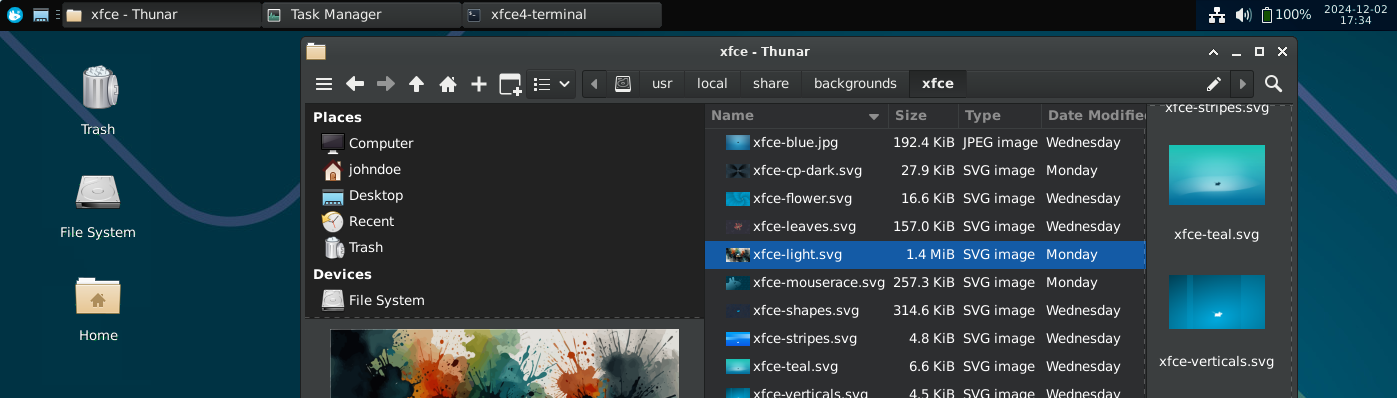
- Idle memory usage ~400–600MB
- Pure X11-based, outstanding driver compatibility
- Highly trimmable, extremely stable for long runs
Suitable Scenarios: Industrial automation, 7×24-hour monitoring terminals, maintenance/debugging/data acquisition devices. If stability is the top priority, XFCE is often the go-to for ARM industrial projects.
-
Other Options
- LXDE (LXQt predecessor): Even lower memory (~200–300MB), but in maintenance mode only. Suitable for very old ARM devices; not recommended for new projects.

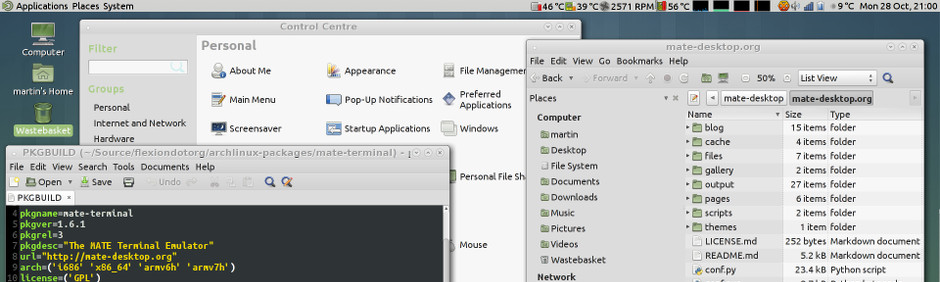
- MATE: Classic GNOME 2 style, lightweight and stable—good alternative to XFCE.
Ultra-Lightweight Solutions: Window Manager-Level GUI
Many ARM embedded projects don't need a full desktop—just a single app or dedicated HMI. Window managers excel here.
-
Openbox — Common Choice for ARM HMI Features: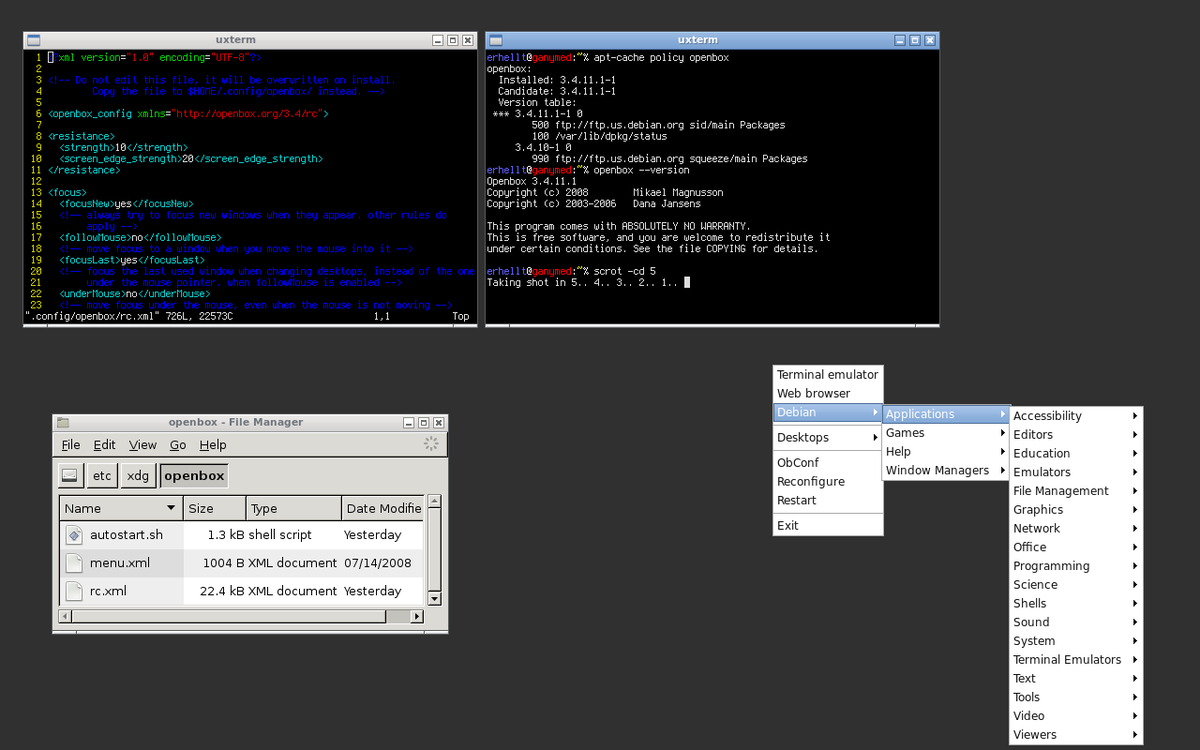
- Memory usage as low as 100–150MB
- Highly stable and customizable
- Ideal for full-screen apps
Typical Combinations:
- Openbox + Chromium (Kiosk mode)
- Openbox + Web dashboards (e.g., Node-RED)
Perfect for touchscreen HMI or dedicated terminals.
-
Other Window Managers
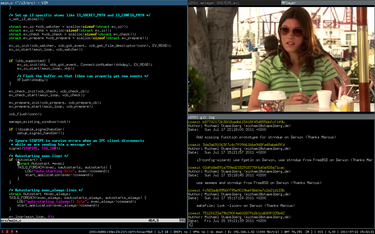
- i3: Tiling, keyboard-driven, ultra-low resources—great for engineering/debugging (not touchscreen-friendly).
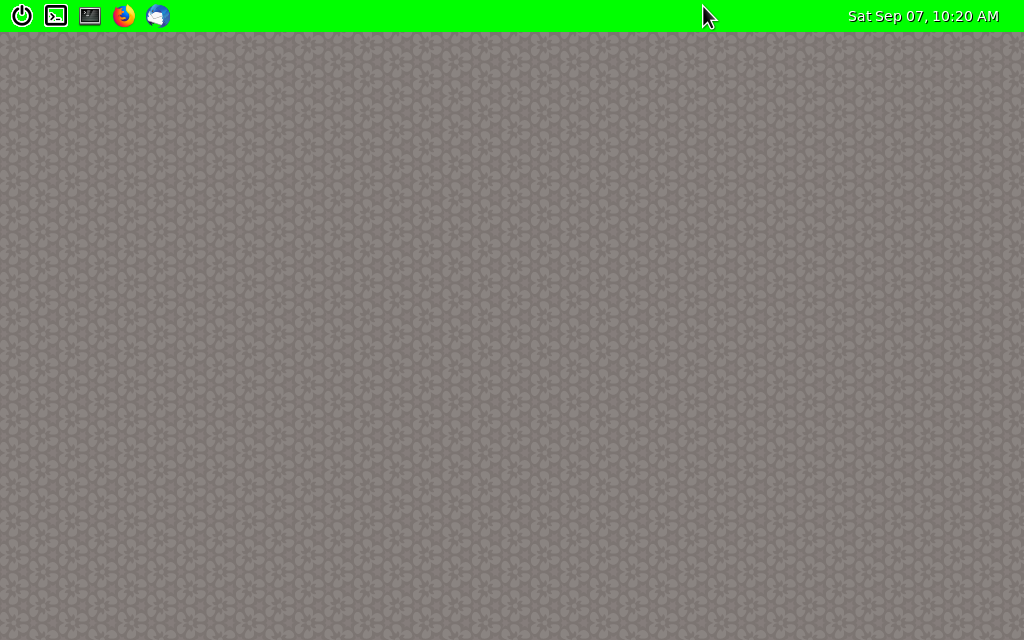
- Weston: Native Wayland, for EGL/custom UI in professional embedded projects (higher learning curve).
Recommended Ubuntu GUI Combinations
- General ARM Industrial/Edge Gateway: Ubuntu Server + LXQt (Low resource use, on-demand desktop, balances development and deployment)
- Industrial Monitoring/Long-Term Systems: Ubuntu Server + XFCE (Highest stability, minimal driver issues)
- HMI/Touchscreen/Single-App Terminals: Ubuntu Server + Openbox + Chromium Kiosk (Ultra-lightweight, fast boot, focused interface)
Conclusion
Selecting a Ubuntu desktop GUI on ARM is fundamentally a tradeoff between performance, stability, and maintenance costs:
- LXQt: Overall best for most modern ARM scenarios
- XFCE: Top choice for industrial stability
- Openbox: Preferred for embedded/HMI minimalism
For ARM industrial PCs, edge gateways, and embedded terminals, lightweight desktops aren't a "compromised experience"—they're an integral part of robust system engineering. Proper selection can significantly improve stability and system lifespan.


